ArtCenter community app
An art community concept about discovering something worth keeping — and finding it again.
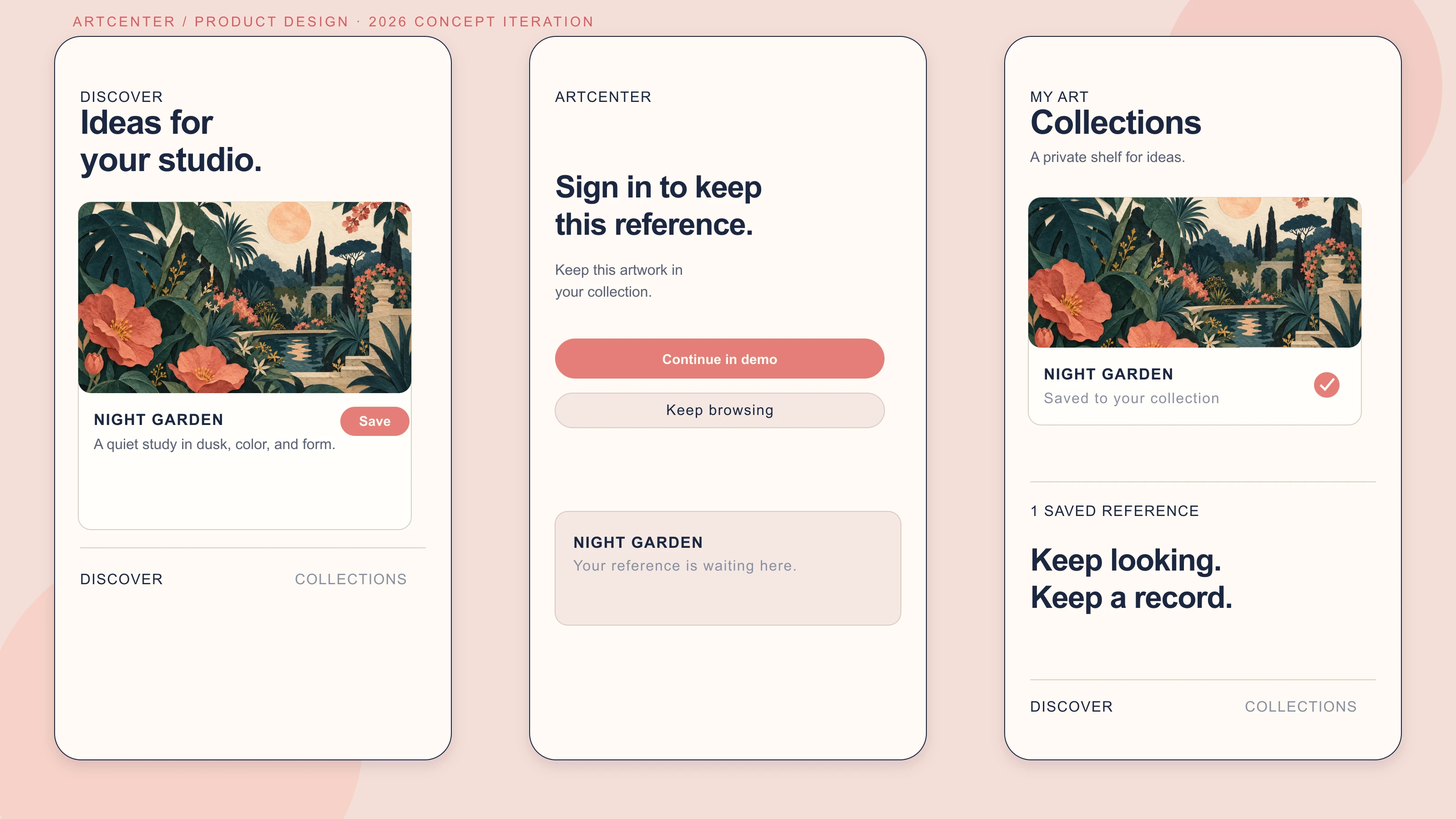
2026 concept iteration · UI study and interactive demonstration below
At a glance
From finding inspiration
to keeping it close.
A mobile art community concept, revisited through one focused interaction: saving a reference without losing your place.
Explore the interactive concept- Collaboration
- 2019 original: Independently created the feature map, user flow, wireframes, illustration, and interface design.
- 2026 portfolio iteration
- A working demonstration of discovery, account context, saving, and retrieval.
- Status
- Self-directed mobile community concept; not a live platform.
- Feature Map
- User Flow
- Wireframes
- Illustration
- Visual Design
- Mockups
A 2019 concept for looking, learning, and sharing
ArtCenter began as a self-directed mobile community concept for creators and people collecting visual references or learning a new technique. I developed the feature map, user flows, wireframes, illustration, and interface design. The original scope brought publishing, conversation, collections, and creator profiles into one experience. In this revisit, I focus on the connection between discovering a useful reference and finding it again.
A broad community map becomes one focused return journey
The original flow chart connects account and visitor entry to the feed, post interactions, personal collections, publishing, and messages. Collections already has a place in that structure; the 2026 revisit does not invent it. Instead, it selects the discovery-to-collection path from a wider concept so the account boundary and the return visit can be examined together. Publishing and messaging remain visible in the historical map, while the working exploration below stays focused on saving and retrieval.

Artwork stays central from structure to final UI
A reference needs more than an attractive thumbnail. The wireframes connect an artwork post to comments, related work, and the creator’s collections, so people can understand both the finished piece and the context around it. The final UI carries that hierarchy through warm color blocks and white space. Pink controls establish the action layer while artwork keeps the largest visual area.


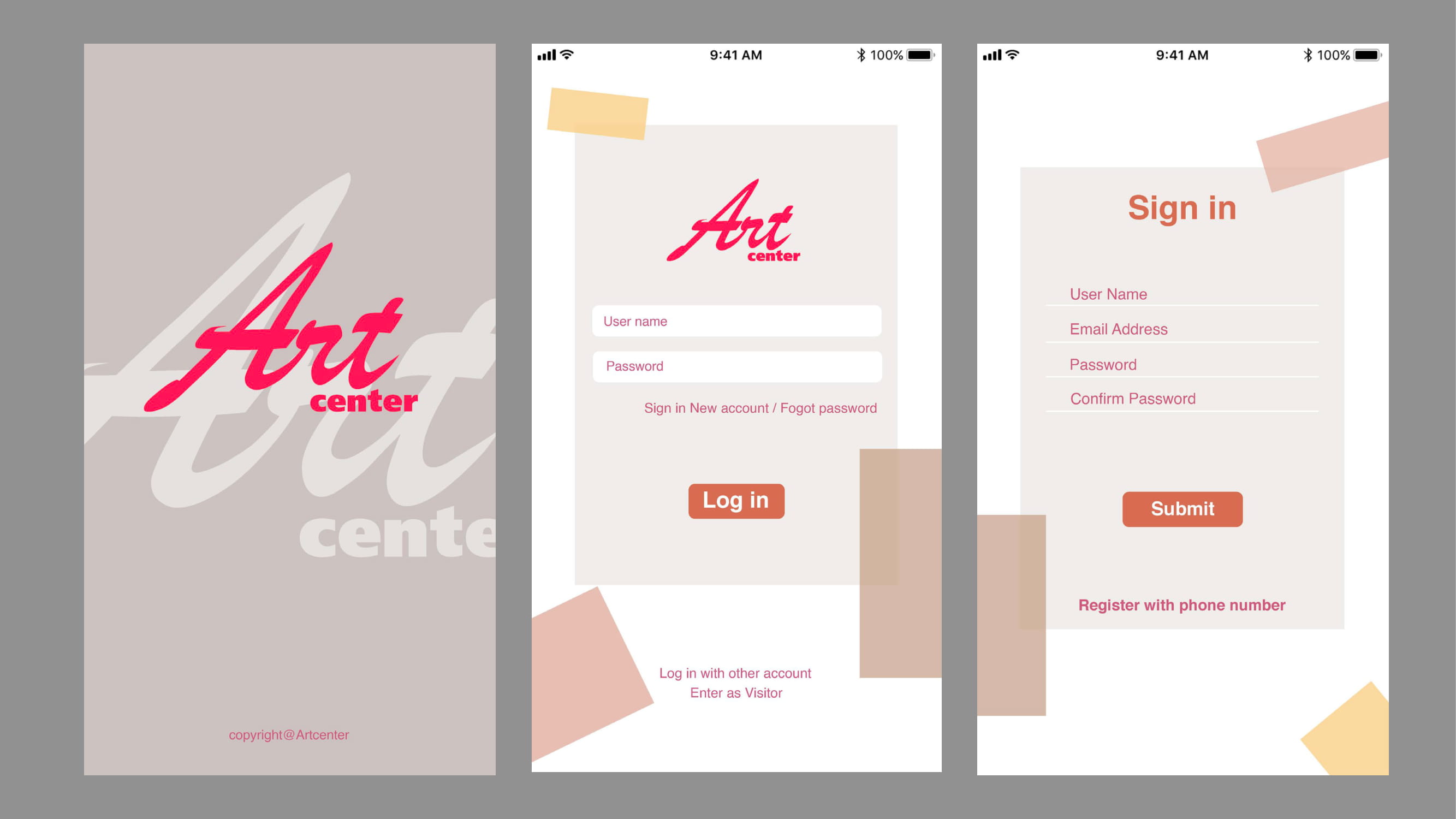
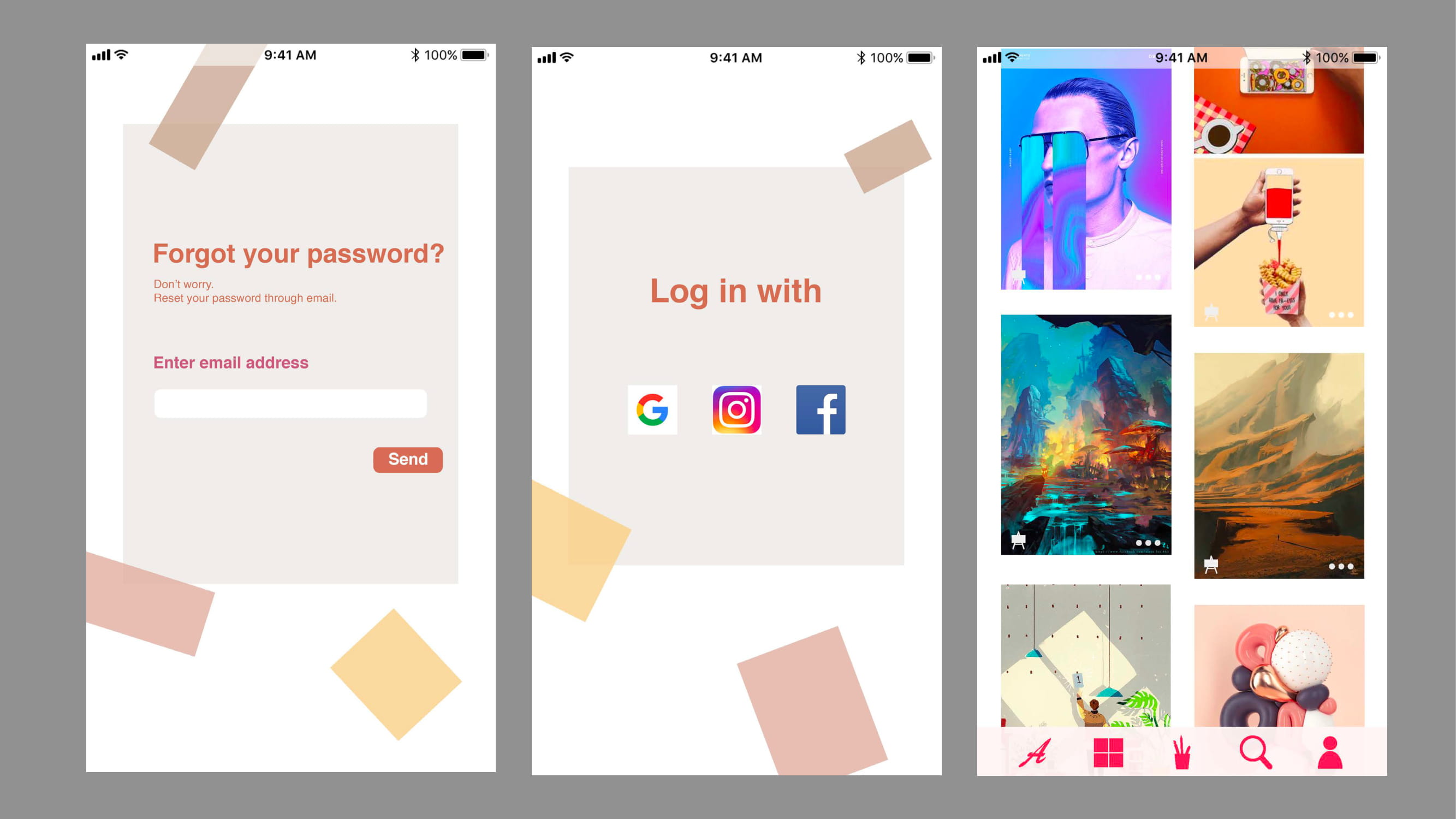
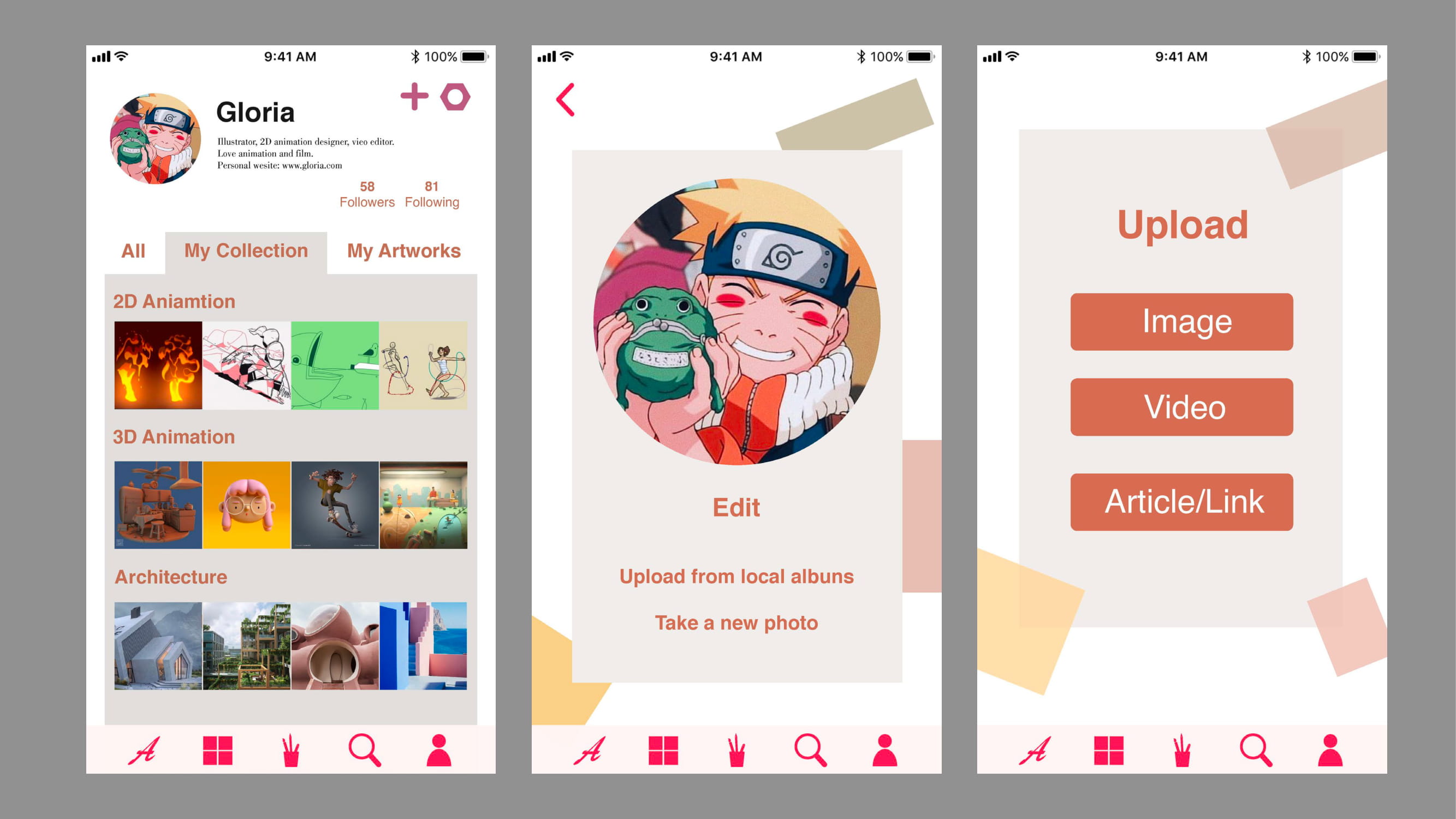
2026 iteration: browse first, ask at the moment of intent
The iteration narrows the experience to browse → open artwork → save → sign in when needed → return to collections. Visitors can explore and view artwork detail without an account. The account gate appears when saving, carrying the selected artwork context into the sign-in step and then back to a confirmation state. This keeps discovery open while making continuity a clear reason to join.
2026 interaction prototype / product direction
Make saving a creative habit.
A focused continuation of the 2019 concept: discover a reference, understand its context, and keep it close enough to return to later.
- Designed around
- Discover → understand → save → return
- Product question
- How might a visitor save without being stopped by an account wall?
- Status
- Concept interaction prototype; no live platform or account data
Tuesday, 07:42
Find your next reference.
Quiet studies, generous process notes, and people worth following.
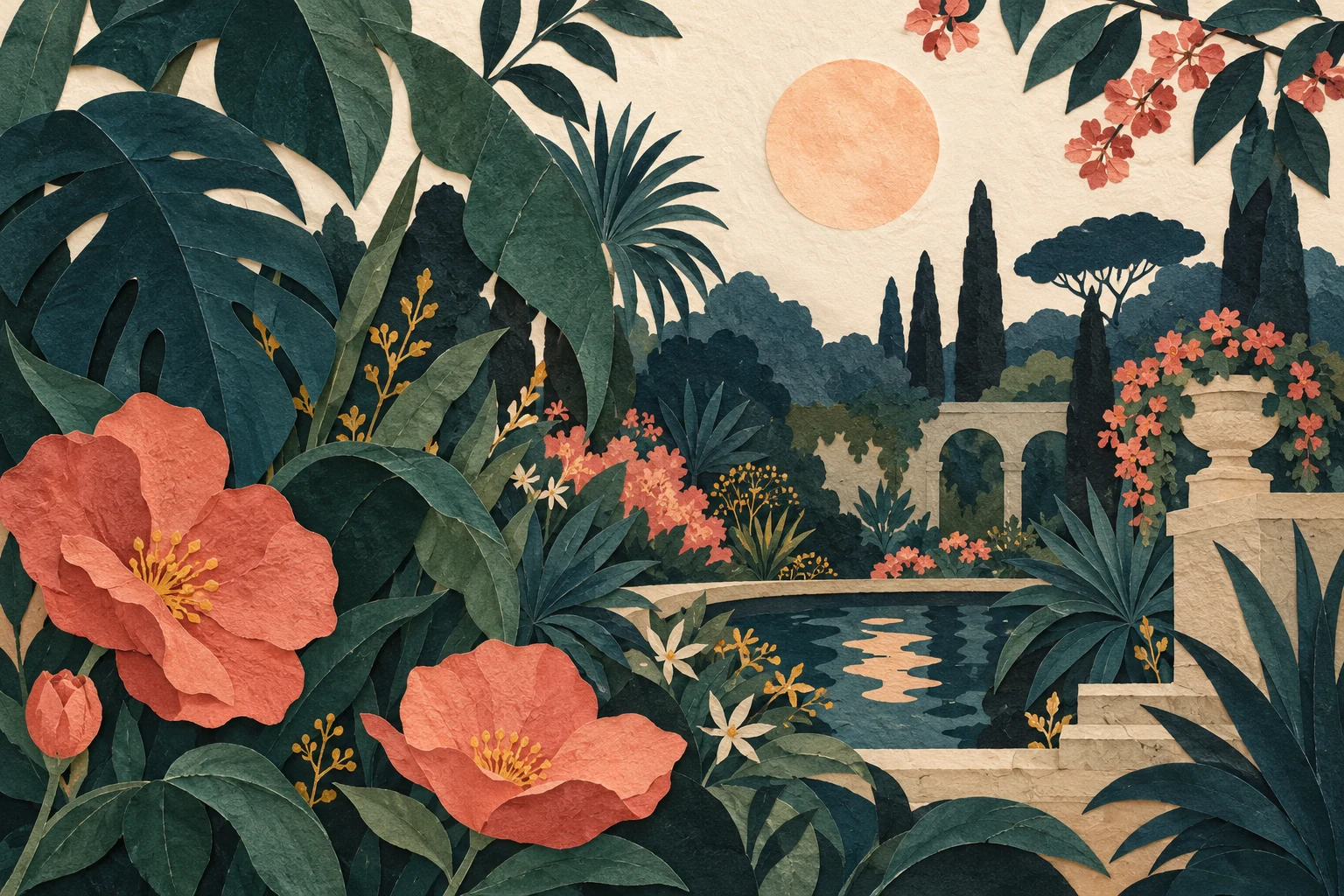
Studio study / 2026 demo content
Night garden
Keep a reference for later.
One small step
Keep your references together.
Sign in to keep your chosen artwork in Collections and find it again when you return.
Save recovery
This save needs another try.
Retry this request without losing your place. Your existing collection stays intact.
Your visual library
Collections
Build a reference shelf.
Save a piece that makes you pause. It will live here with its artist and context intact.
Saved for later
Each reference keeps its artist and context.
Try the stage buttons or follow the path in the phone. This local demo uses sample artwork and creator names, with no credentials or account data. Click an artwork image to open it at full size.
A smaller scope makes the next test more useful
I chose one complete loop over adding more social features. Messaging, recommendations, and publishing are outside this iteration, leaving room to resolve the account boundary and recovery states. There is a tradeoff: asking for an account can still interrupt someone who only wants a temporary bookmark. A guest collection is a useful alternative to compare next, especially if the gate feels disproportionate to the task. The first evaluation would ask people to select a reference, decide whether to continue at the gate, recover from a failed save, and find their choice again. I would observe where they hesitate and whether their explanation of the saved state matches the interface.


